How to Know If Someone Is Using GB WhatsApp?
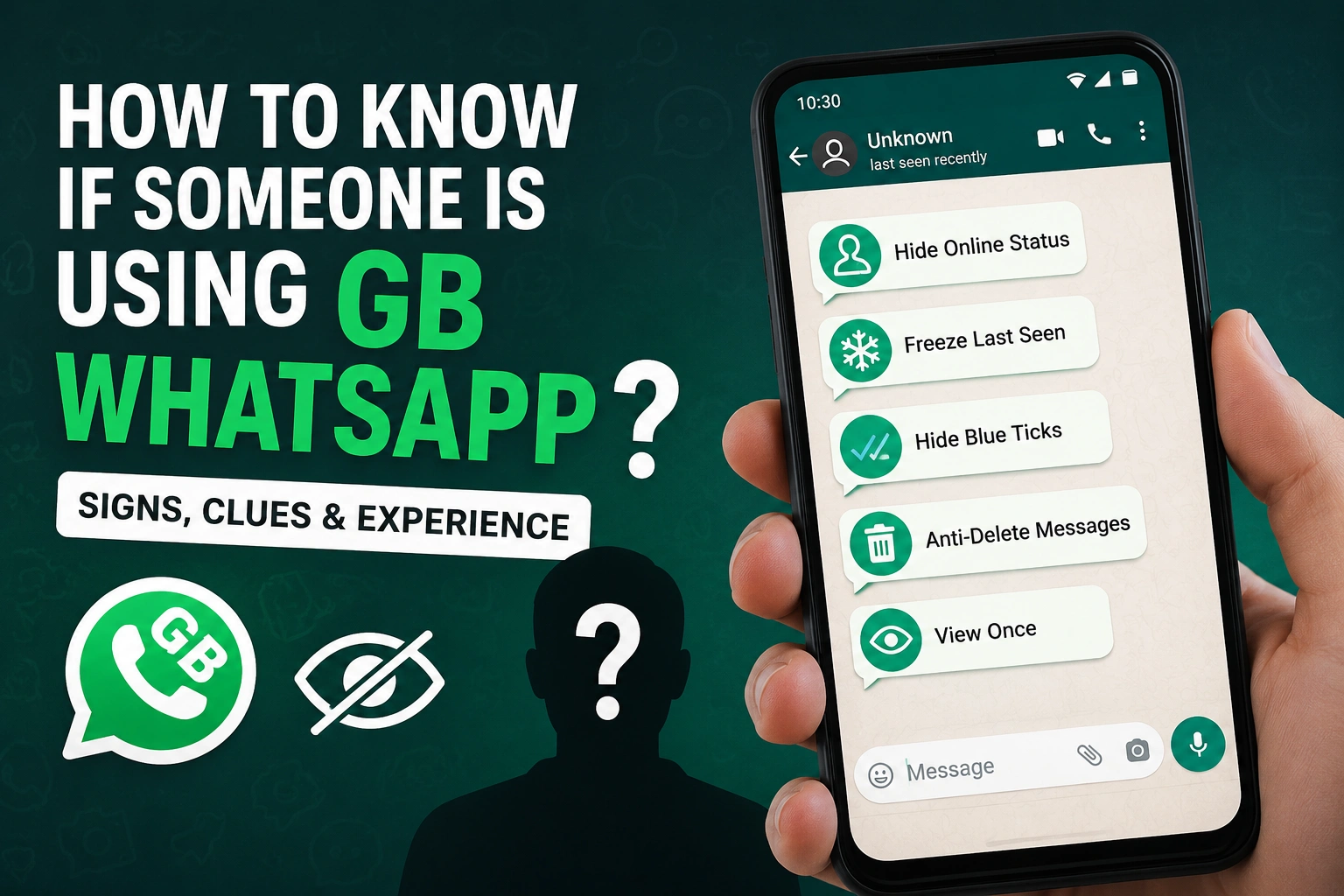
If you've ever wondered whether someone is using GB WhatsApp, you're not alone. After using both the official WhatsApp and GB WhatsApp myself, I've learned that there isn't a direct way to identify it. However, there are several behaviors and privacy features that can give you a pretty good idea. While none of these signs are guaranteed proof, seeing multiple clues together often suggests that someone may be using GB WhatsApp.
Can You Really Tell If Someone Is Using GB WhatsApp?
From my experience, the answer is sometimes, but never with 100% certainty.
I've had friends who used GB WhatsApp for years, and after chatting with them regularly, I started noticing patterns that weren't possible with the official app. At first, I thought it was just a coincidence, but after trying GB WhatsApp myself, I realized many of those behaviors were caused by its extra privacy features.
Remember that someone may simply have good internet timing or different notification settings. That's why you should never assume based on a single clue.
They Always Hide Their Online Status
One of the biggest hints is when someone is almost never shown as "Online."
Normally, if you open a chat while the other person is actively replying, you'll often see the "Online" indicator.
With GB WhatsApp, users can completely hide their online status while continuing to send and receive messages.
If someone replies within seconds but you never see them online, they may be using this privacy feature.
Their Last Seen Never Changes
Official WhatsApp lets users hide their Last Seen, but GB WhatsApp goes much further.
Many GB WhatsApp users enable Freeze Last Seen, which permanently displays the same timestamp.
For example:
- Last Seen always shows "Yesterday at 8:30 PM."
- It never changes for weeks.
- They still reply immediately.
This doesn't prove they're using GB WhatsApp, but it's one of the most common signs.
Blue Ticks Behave Strangely
Have you ever noticed this?
- You know someone has read your message.
- They reply to it.
- But the blue ticks never appear.
GB WhatsApp includes advanced options that let users hide:
- Blue ticks
- Double ticks
- Typing status
- Recording status
I've tested this myself, and it can definitely confuse people. Messages appear unread even after they've already been opened.
They Download Your Status Quickly
GB WhatsApp includes a built-in Status Downloader.
If someone often saves your WhatsApp Status photos or videos shortly after you post them, they may be using this feature.
Of course, they could also be using another app, so don't treat this as definitive evidence.
They Always Appear Offline
One interesting thing I noticed while using GB WhatsApp was that I could chat for hours without appearing online.
Friends would later ask,
"Were you even using WhatsApp today?"
Meanwhile, we'd been chatting the entire afternoon.
This happens because GB WhatsApp allows users to stay "invisible" while remaining fully active.
They Never Show Typing or Recording
Normally, when someone is writing a reply, you'll see:
- Typing...
- Recording audio...
GB WhatsApp allows users to hide both indicators.
If someone sends long messages but you never see them typing, it might be because they're using these privacy settings.
They Can Read Deleted Messages
Sometimes you'll delete a message before it's read.
Later, they respond anyway.
How?
GB WhatsApp includes an Anti-Delete Messages feature that lets users read messages even after they've been deleted.
The same applies to "View Once" photos if they have an anti-view-once feature enabled.
Their Privacy Settings Seem Too Perfect
Over time, you may notice someone who:
- Never appears online
- Never shows typing
- Never updates Last Seen
- Reads deleted messages
- Replies instantly
- Never sends read receipts
Individually, these behaviors don't mean much.
Together, they strongly suggest they're using a modified WhatsApp client like GB WhatsApp.
Can You Detect GB WhatsApp Automatically?
No.
There is currently no official tool that can tell you whether another person is using GB WhatsApp.
Neither WhatsApp nor Meta provides this information to users.
Any website or app claiming it can detect GB WhatsApp users is usually unreliable or potentially unsafe.
Can WhatsApp Detect GB WhatsApp?
Yes.
While regular users can't identify who is using GB WhatsApp, WhatsApp itself may be able to detect modified clients through its own security systems.
This is one reason why people using unofficial WhatsApp mods may occasionally receive temporary restrictions or account warnings.
Is It Wrong to Use GB WhatsApp?
That depends on what you value most.
Many people choose GB WhatsApp because it offers:
- Better privacy controls
- Custom themes
- Dual accounts
- Auto Reply
- Larger file sharing
- Extra customization
Others prefer the official WhatsApp because it receives regular security updates and official support.
Ultimately, it's a personal choice, but users should understand the benefits as well as the potential risks of using unofficial apps.
Common Misunderstandings
Hidden Last Seen Doesn't Always Mean GB WhatsApp
Official WhatsApp also lets users hide their Last Seen.
Don't assume someone is using GB WhatsApp based on this alone.
Blue Ticks Can Be Disabled Officially
Read receipts can be turned off in the official app as well.
Again, it's only one possible clue.
Fast Replies Aren't Proof
Some people simply keep WhatsApp open all day.
Quick responses don't necessarily indicate they're using a modified app.
My Experience Using GB WhatsApp
I tried GB WhatsApp for several weeks out of curiosity.
The first thing I noticed was how much control it gave me over my privacy. I could hide my online status, freeze my Last Seen, disable typing indicators, and even customize the interface with different themes.
What surprised me most was how difficult it became for my friends to tell whether I was online. Even while actively chatting, my profile looked completely inactive to them.
That experience made me realize why it's nearly impossible to know if someone else is using GB WhatsApp. Most of the features work silently in the background, and many of them imitate behaviors that are also possible in the official app.
Frequently Asked Questions
Can I tell if someone uses GB WhatsApp?
Not with certainty. You can only look for multiple behavioral clues, but none of them are conclusive.
Can official WhatsApp users detect GB WhatsApp?
No. WhatsApp does not display whether another person is using a modified version.
Does hiding Last Seen mean someone uses GB WhatsApp?
No. The official WhatsApp app also includes Last Seen privacy controls.
Can GB WhatsApp hide online status while chatting?
Yes. One of its most popular privacy features allows users to remain hidden even when actively using the app.
Is there an app that detects GB WhatsApp users?
No legitimate app can reliably identify whether someone else is using GB WhatsApp.
Conclusion
If you're wondering how to know if someone is using GB WhatsApp, the reality is that there's no guaranteed way to find out. Features like hidden online status, frozen Last Seen, hidden typing indicators, and reading deleted messages can all be clues, especially when several appear together. However, many of these behaviors can also result from official WhatsApp privacy settings or normal usage patterns.
Based on my own experience using both versions, the best approach is to avoid jumping to conclusions. Unless someone tells you they're using GB WhatsApp, you can only make an educated guess-not a confirmation.